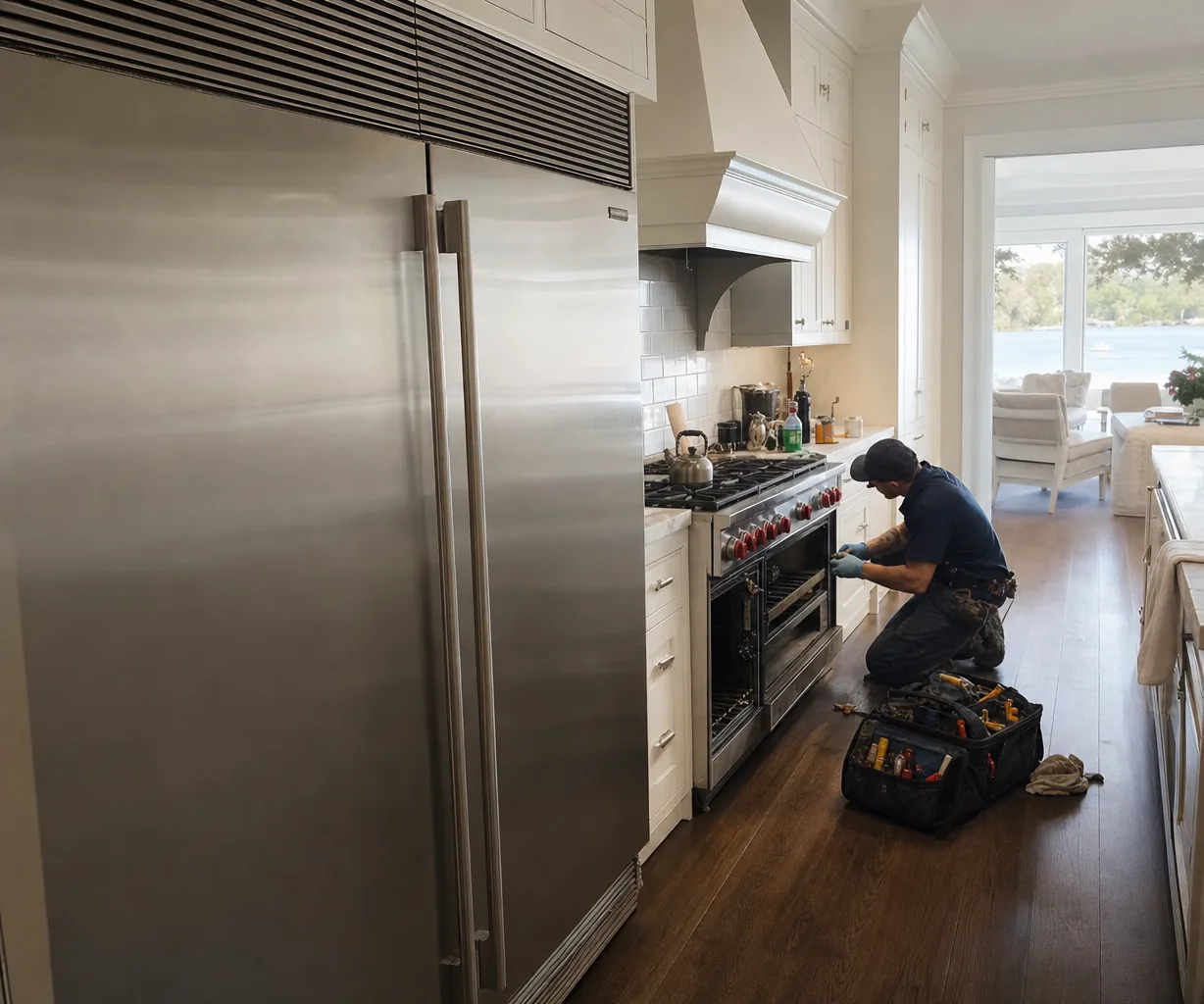
A Wolf oven display that is not working is usually blank for one of four reasons: a setting that turns the screen off on purpose, a power interruption the controls have not recovered from, a control board that has failed, or a cooling fan that has stopped moving air across that board. The first two cost nothing to rule out. On a Wolf speed oven, a dark screen is often just standby power, which blanks the touchscreen after five minutes without a touch. If waking it does nothing, switch the oven’s breaker off for 30 seconds and back on. A screen that stays dark, flickers or loses segments after that points to the board, the touch panel or the fan, and those need a technician.
What sits behind the glass
The panel you press is the face of an electronic control board. That board reads every touch, lights the display, reads the oven’s temperature sensor and switches the heating elements through relays. A small power supply on it feeds the screen, so a dead display can mean a failed screen, a loose ribbon cable or a supply putting out the wrong voltage, and from the front all three look alike.
One clue is sound. Wolf points out that control boards, relay boards and motorized door latches all click during normal use. If you hear relays clicking when you set a bake, yet the screen stays black, part of the board is still awake and the fault is more likely on the display side than in the power reaching the oven.
The cooling fan that keeps the board alive
Above the cavity of a built-in oven sits a small upper cooling fan. It pulls air across the control area and pushes it out through a vent near the top of the door, runs while you cook, and keeps running after the oven is off until the electronics have cooled. Circuit boards shrug off a lot, but sustained heat is not one of those things.
These fans fail slowly. The bearings dry out, grease-laden dust coats the blades, and the motor slows until it stalls. Listen for a hum or grind above the door that later turns to silence. Feel for a control panel or door trim that is hot after a long roast. Watch for a display that behaves when the oven is cold but flickers, resets or goes dark partway through a high bake or a self-clean.
If the screen dies during self-clean, leave the oven alone. Wolf warns that interrupting the cycle can cause damage, and a canceled cycle keeps the door locked until the cavity cools, which can take an hour or more.
Checks worth doing before you book
- Wake the screen with a touch. On a speed oven, standby power can be turned off in Extended Options.
- Look for a lock. On an E Series oven, touch and hold Lock for three seconds to release the panel; after any outage the lock needs resetting.
- Remember the timer you cannot see. An E Series oven turns itself off after 12 hours of continual use, except in Dehydration or Sabbath mode, and that can look like a dead control.
- Cycle the breaker for 30 seconds. On a convection steam oven, E01 with the message F5 is Wolf’s sign of moisture or electrical interference reaching the board; if it comes back after the reset, book service.
- After cooking, stand by the door and listen for the fan. No airflow from the vent plus a hot panel tells you the fan is the place to start.
Why salt air matters here
Houses a few blocks from the ocean in Jacksonville Beach breathe damp, salty air for most of the year, and that moisture settles on whatever is coolest inside a cabinet, including a board that has just switched off. Wolf itself names moisture as one cause of steam oven board faults. A healthy cooling fan helps by keeping the control area warm and dry while it runs.
What a technician does, and what it costs
A technician opens the control area, checks the supply voltage at the board, inspects the ribbon cable and spins the cooling fan by hand before measuring its motor. The order matters: fitting a new board above a dead fan simply sets up the next failure. If the oven also heats poorly, the wall oven not heating page covers the sensor side.
The visit starts with an $80 diagnostic. A control board or touch panel replacement typically runs $450–$1,160, and you get the firm number once the fault is confirmed. Oceanfront Range Service is an independent shop and fits genuine OEM parts. Our pricing page explains how the quote is built.